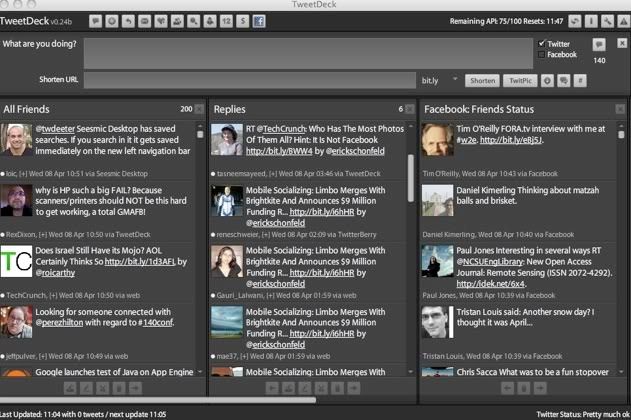
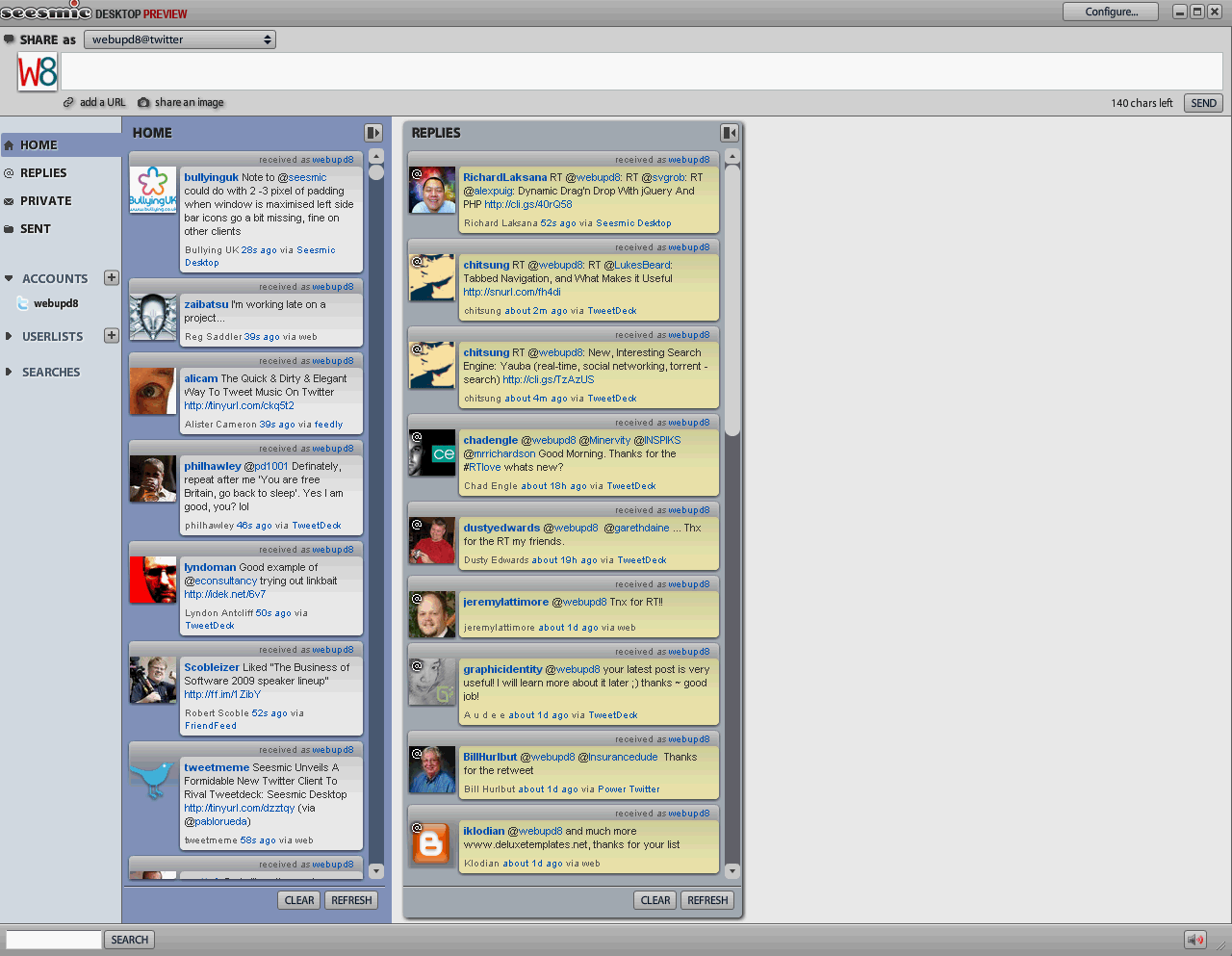
Everybody using Twitter intensely has heard of TweetDek or Seesmic Desktop, applications built on Adobe Air platform which have a lot of features, the best being the "channel" (or column) view. But there are a few things about these apps which I don't like: they are resource hogs and don't run to well on older computers but most importantly, I must continuously switch between the application and the web browser. This is why I searched for browser-based alternatives and found quite a few.
It gives you the option to create multiple channels so as to monitor Twitter throughout different accounts, whereas you can also filter tweets in several manners. Retweets, keywords and groups are the ones that easily spring to mind. In addition to that, TwitHive will empower you to track keyword mentions and integrate Google News with blog search in order to always catch the latest buzz.
3. TwitterGadget
It's a web 2.0 style client for Twitter.com, designed to submit status updates to Twitter via your iGoogle homepage, Gmail Account or as a standalone app (website). It has recently added the ability to use custom saved searches, just like stand-alone desktop apps, except you won't see them all in columns - you must visit each one individually. I really like
TwitterGadget's Keyboard shortcuts: changing between tabs, favourite, ReTweet (my personal favourite), delete a tweet, search with highlighting, highlight a URL and hit Ctrl + Y or Right Click to shorten it, and many more. Basically, it has almost all the features seen in a Twitter desktop client and it also has some extra features you might enjoy!
Overall, TwitterGadget is a great Twitter web client if you don't have a lot of people you follow. I recommend it to Twitter users with less then 1000 people following / followers.
4. Seesmic Web Client
For most people,
Seesmic Web Client will probably seem as the best Twitter web client yet. Timeline, replies and direct messages are in a sidebar, like Gmail's folders, and the text of the tweets themselves goes right where you'd expect to see a subject line. One feature we really liked, and one that we hope more desktop apps will recreate (including the Seesmic Desktop), is Seesmic's ability to sync persistent searches back and forth with your Twitter profile on Twitter's own site. Whenever you add a search on Twitter, it will appear in Seesmic and vice versa.
There are quite a few other features we like a lot about the Seesmic web app:
- you can shuffle columns around by simply dragging and dropping them
- the one-column, Gmail-style view, which is somewhat reminiscent of similar views in Eventbox and Nambu, should work great for users on netbooks and other devices with limited screen estate
- in-line replies work very well in the Gmail-style view
- every column can be set to show a traditional view of your stream (with avatars etc.) or it can be set to show a Gmail-style, one-column UI view
- when you mouse over a user's avatar, you can easily send them a direct message, follow the user (or unfollow), and bring up a user's profile
If you didn't try Seesmic Web Client yet, I must say it's a must :)
5. CoTweet
The CoTweet dashboard, modeled after standard email inboxes, supports a myriad of actions. Business can set up custom search panels, similar to TweetDeck, view streams of replies and direct messages, as well as select an individual twitterer to get a view of their stats, conversations, and make internal notes to share with team members. Each tweet in any of the stream views (even the search panels) also has an assign task icon that lets a team member quickly assign a follow up action, with an appended note, to another member on their team.
6. TweetGrid

You don't need to have a Twitter account to use TweetGrid, although logging in allows you to use the dashboard twitter client at the top of the screen. Without a login you can still create custom search boxes in varying configurations as simple as a 1x1 single panel or busier versions like a 3x3 panel, or even a 1x10 side scrolling bar. Each box is given a custom search term and you can adjust the panels from real-time updates to updating on timed intervals. You can select the number of tweets each box will hold before the new entries push the old entries off the roll and you can stop the updates completely if you need to freeze it in place.
7. HootSuite 2.0

Hootsuite 2.0 comes with with tabs, customizable columns, drag and drop functionality, auto-refresh, and a lot of stats.
Within each tab you have the option to add unlimited columns, which could include profile feed options (like mentions, DMs, pending tweets), multiple keyword tracking (up to 3 keywords per column), search terms, and groups of your Twitter friends. Columns can also be resized to your liking, as well as embedded anywhere on the web (just click <>, adjust preferences, and grab embed code).
HootSuite 2.0 supports drag and drop for almost everything. Want to drag a user between columns? No problem, just grab their avatar and dump them into the appropriate column. Want to rearrange columns or tabs? Drag and drop. You get the picture.
8. JournoTwit
It's designed to work on mobile and desktop, keeping your settings and last read tweets stored on the server, for seamless transition for those in the nomadic lifestyle. It has a similar look and feel to TweetDeck.
As a lightweight web based application, JournoTwit is a useful tool, automatically sorting your Tweet's into a number of easily manageable categories.
Some of the categories are basic and easily recognisable, namely:
* Your tweets - handy if you sometimes have trouble remembering exactly what you tweeted.
* Mentions - all those people replying and retweeting you
* Messages - direct messages
However where JournoTwit comes into its own is the almost magical advanced sorting that it applies to the rest of your tweets. The different categories are:
* Statuses - Here you will find all those self referential tweets that aren't really useful unless you actually care about that person. It's the kind of stuff that makes many people brand Twitter a waste of time, filtered out to be ignored at will.
* News - All the link filled news goodness without any of the noise. The result is a scarily clean feed of newsworthy links, perfect for anyone who wants to catch up on the news without the hassle.
* Visual - previews of pictures posted to Twitpic and links to images posted on other hosting services.
9. PeopleBrowsr

Although many people use the app for tracking Twitter, it's actually capable of tracking a ton of the top web properties including Facebook, FriendFeed, LinkedIn, Flickr, YouTube, and even RSS feeds. You can also use the app to update multiple networks at once.
PeopleBrowsr lets you manage multiple usernames in one dashboard and lets you follow people "anonymously" - meaning you can track them without them knowing that you track them. As with the similar Twitter-focused app TweetDeck application, PeopleBrowsr lets you add people into groups for easier tracking. But in this case, those groups can be created around various keywords or hashtags, too. You can then share the groups with others - such as the other members of your team. Those groups can be public, private and shared, or completely private. Of course, like any good conversation-tracking client, PeopleBrowsr offers a social media search feature which lets you filter search results by location, groups, specific individuals, posts containing links and sentiment associated with keywords. Those results can be sorted by number of followers so you can easily see what the more influential users are saying versus those with more limited social graphs.
Know a similar Twitter web client? Let us know in the comments!