Save Pidgin Passwords In System Keyring Instead Of Plain Text
Update: Despite the plugin being called "Pidgin GNOME Keyring", it was ported from gnome-keyring to libsecret in February 2015.
Author: Andrew | Date: August 28, 2011 | View Comments | Tags: gnome, linux, passwords, pidgin, security, ubuntu
Author: Andrew | Date: June 29, 2011 | View Comments | Tags: firefox, keyring, linux, passwords, security, thunderbird, ubuntu
Author: Andrew | Date: July 14, 2010 | View Comments | Tags: hive five, linux, password manager, passwords, ubuntu
Author: Andrew | Date: June 29, 2010 | View Comments | Tags: chromium, linux, passwords, sync, ubuntu
Author: Andrew | Date: November 09, 2009 | View Comments | Tags: password manager, passwords, web, web app
Author: Andrew | Date: May 22, 2009 | View Comments | Tags: passpack, passwords, software, windows
Author: Andrew | Date: May 19, 2009 | View Comments | Tags: internet, password manager, passwords, software, web app, windows

Author: Andrew | Date: May 04, 2009 | View Comments | Tags: addons, firefox, Internet Explorer, lastpass, passwords
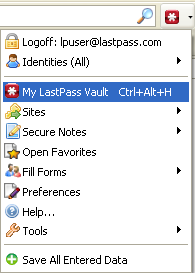
Firefox extension and Internet Explorer add-on LastPass is a secure password manager for all your web passwords. Like other web-focused password managers, LastPass puts all of your individual passwords behind one master password. When you type in that master password, LastPass can then automatically log you in to any web site you visit with saved login credentials. Even better, LastPass syncs passwords over the internet, so all your saved passwords on your work computer, for example, will always be synced up on your home computer. I haven't been using it for long, but so far LastPass works seamlessly with Firefox and exactly as expected.
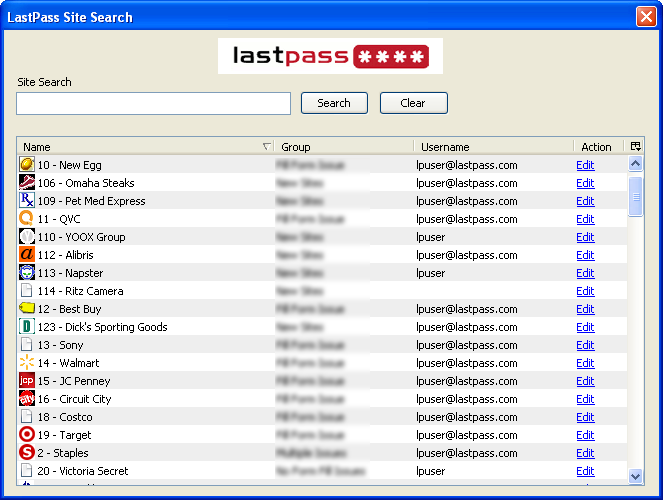
Keep in mind, as always, that in order for syncing to take place, your passwords are stored online—meaning that you're required to place a certain amount of trust in the hands of the folks at LastPass. However, LastPass is only storing encrypted data, and the key to that data lives on your computer (or, when you're not logged in, the key is only in your head). If that's something you can live with, it looks like a strong choice. LastPass is free, works with Firefox and Internet Explorer.