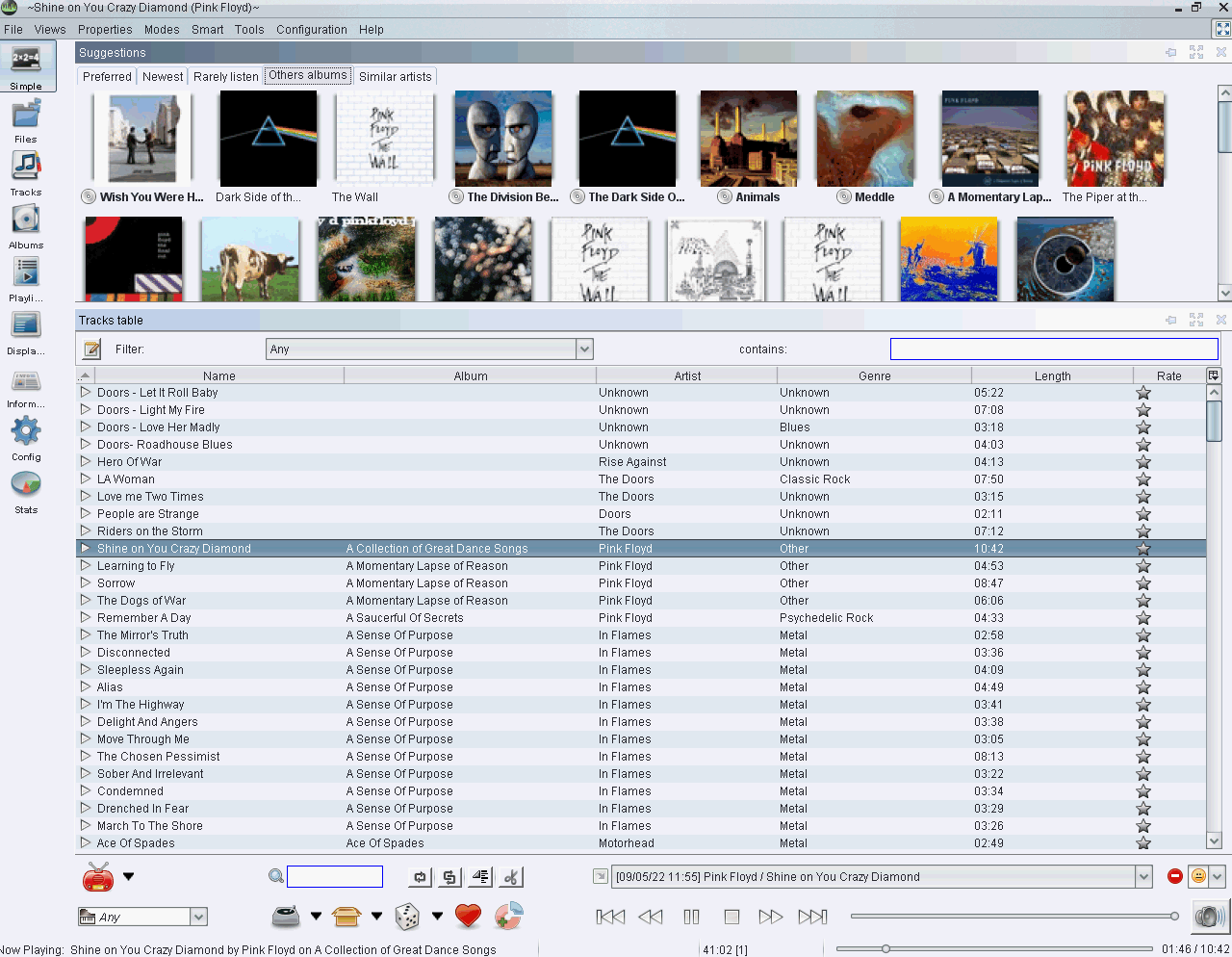
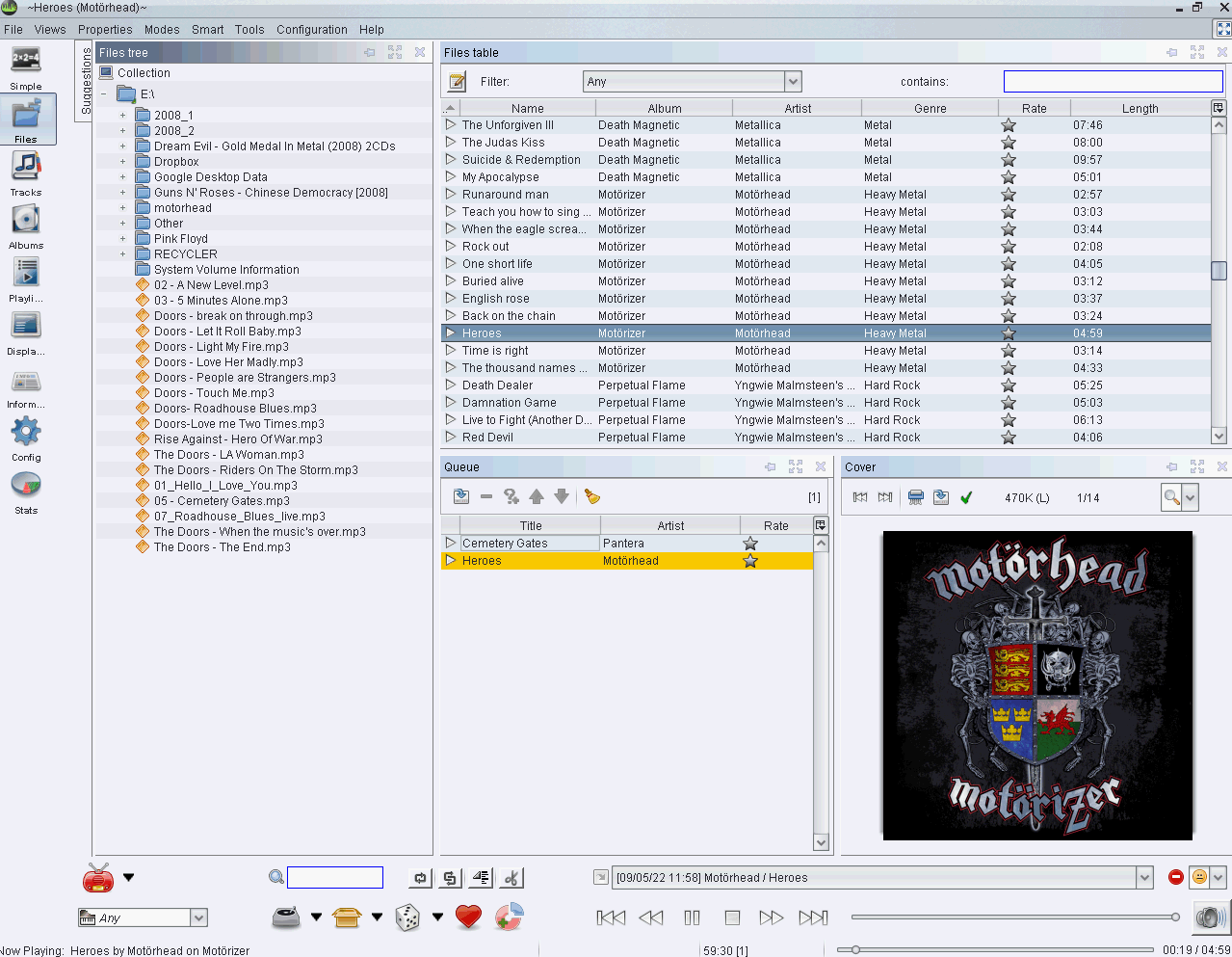
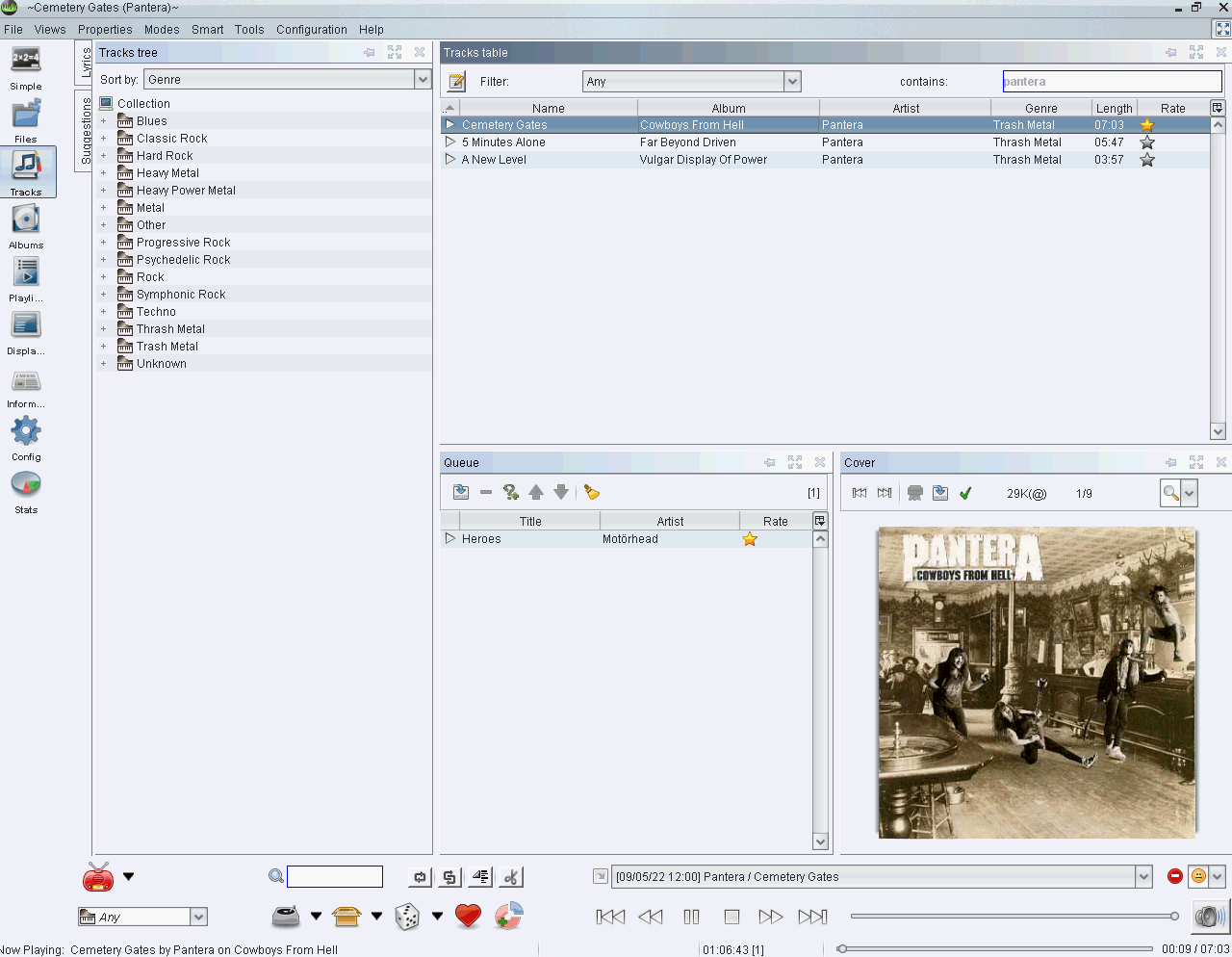
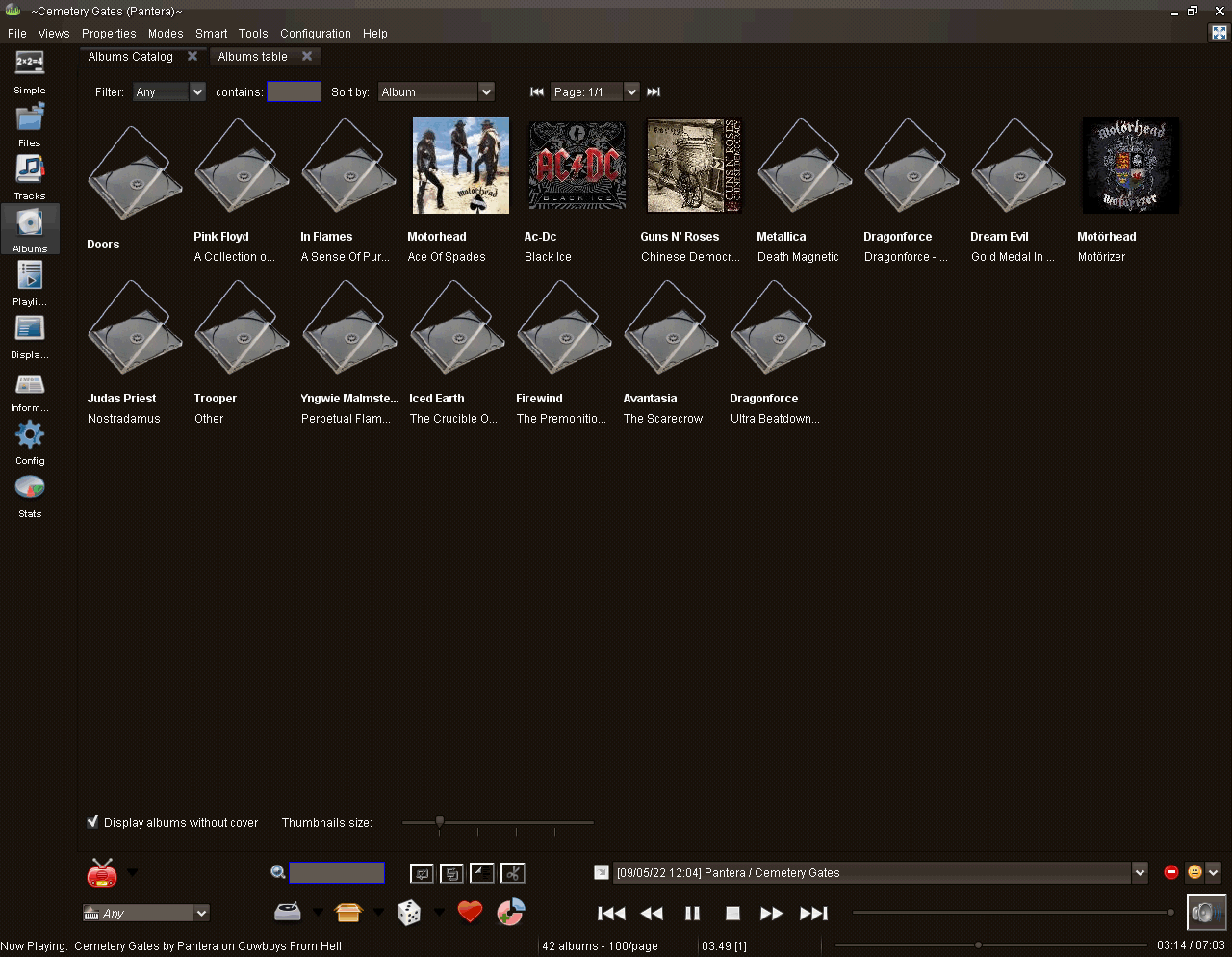
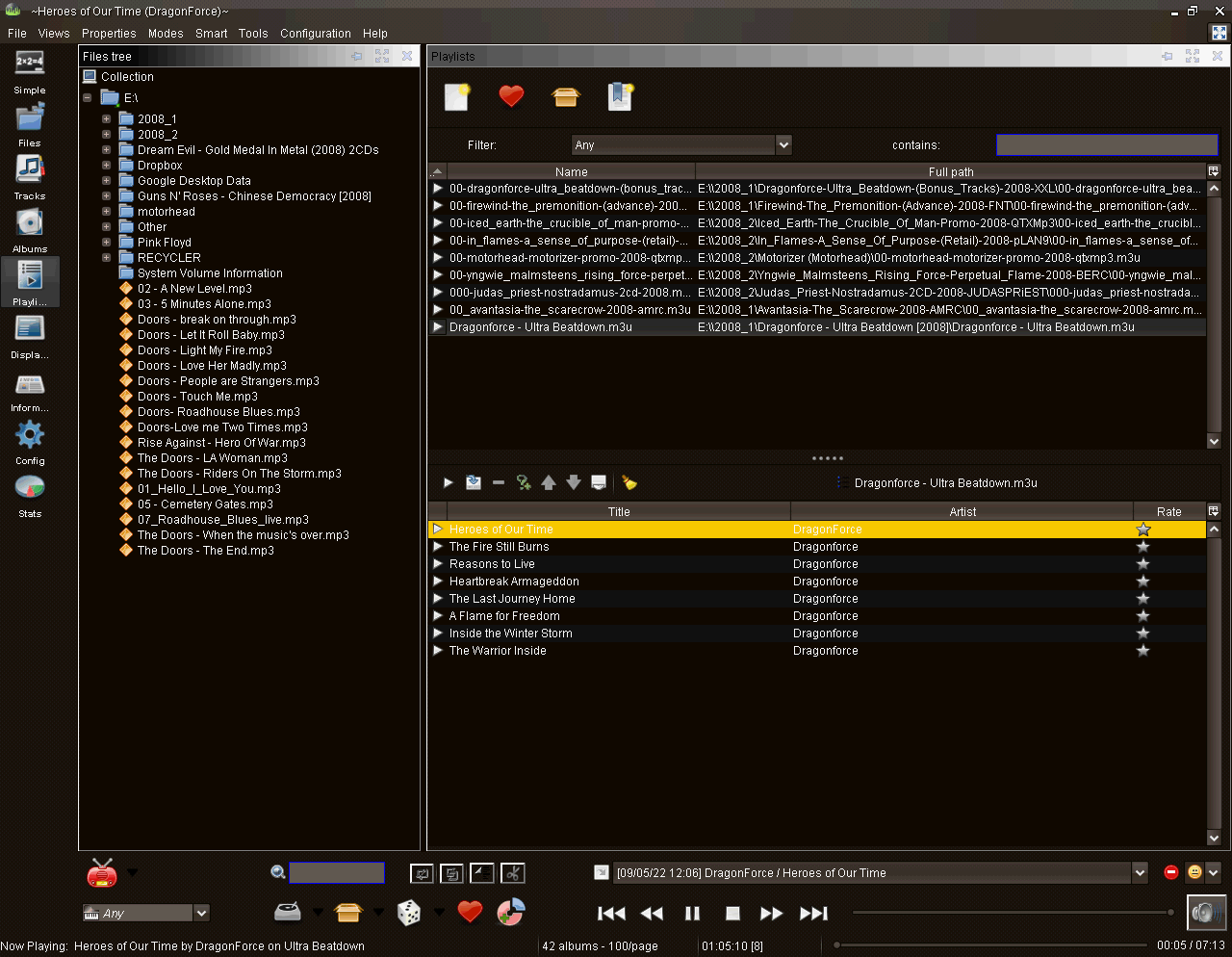
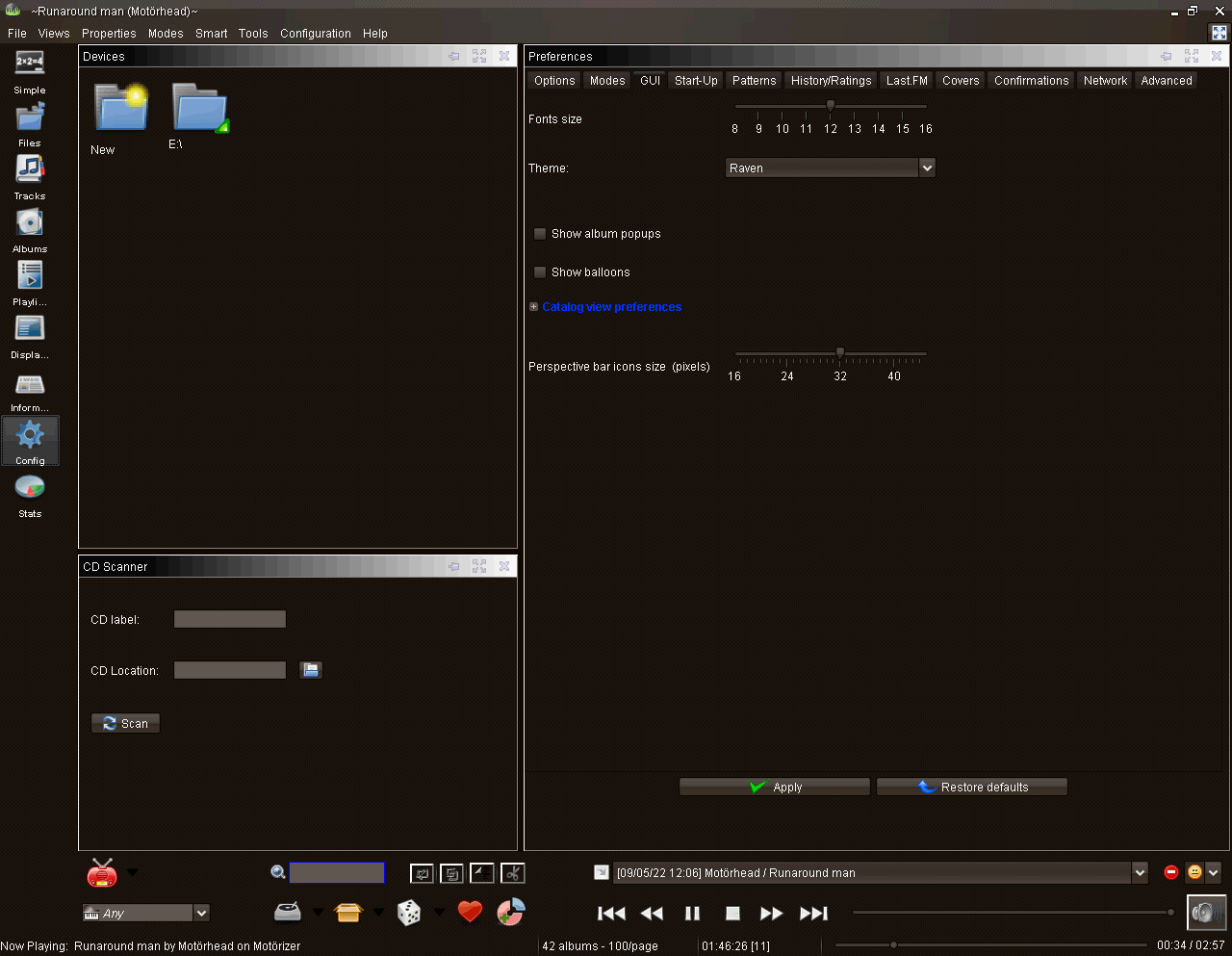
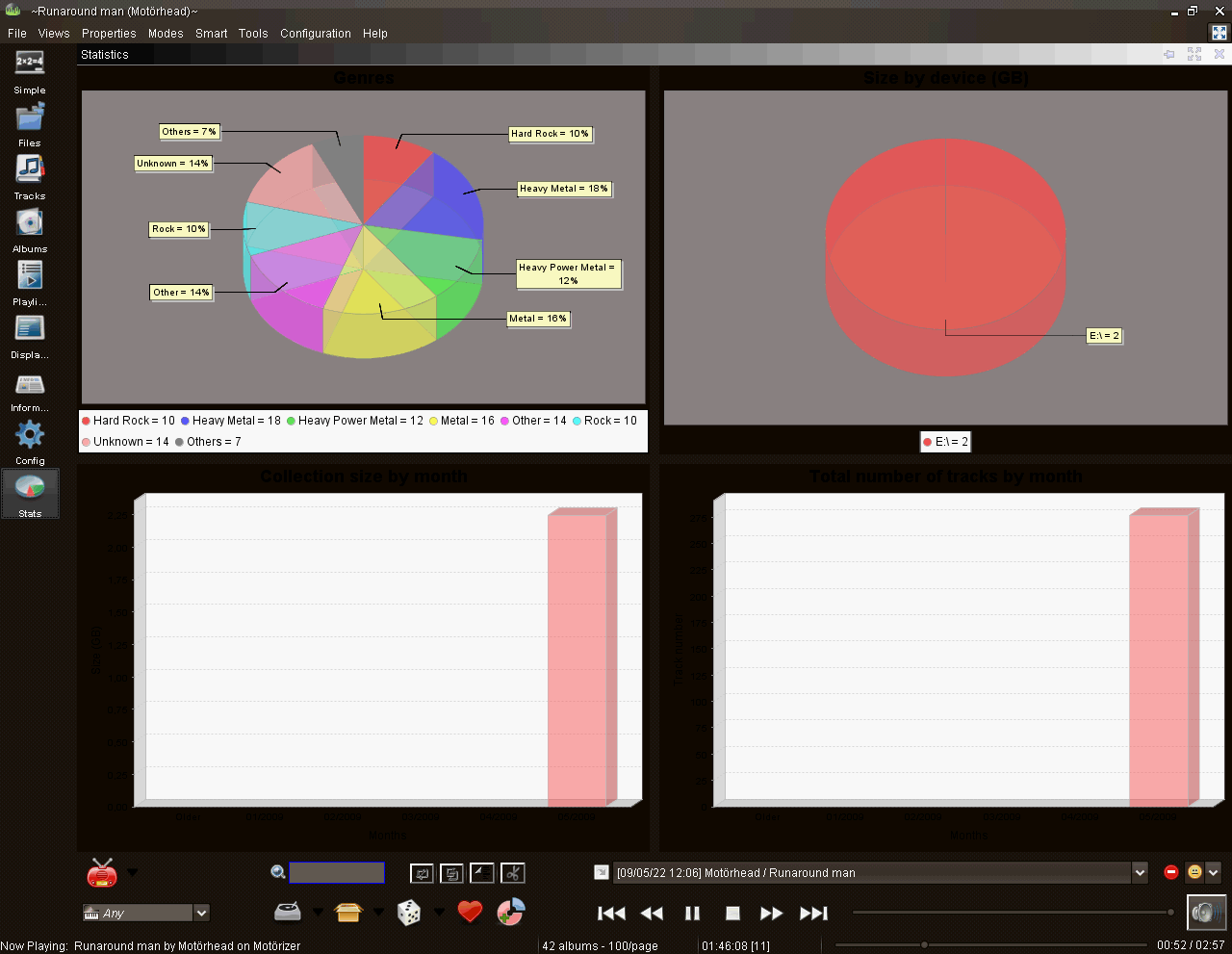
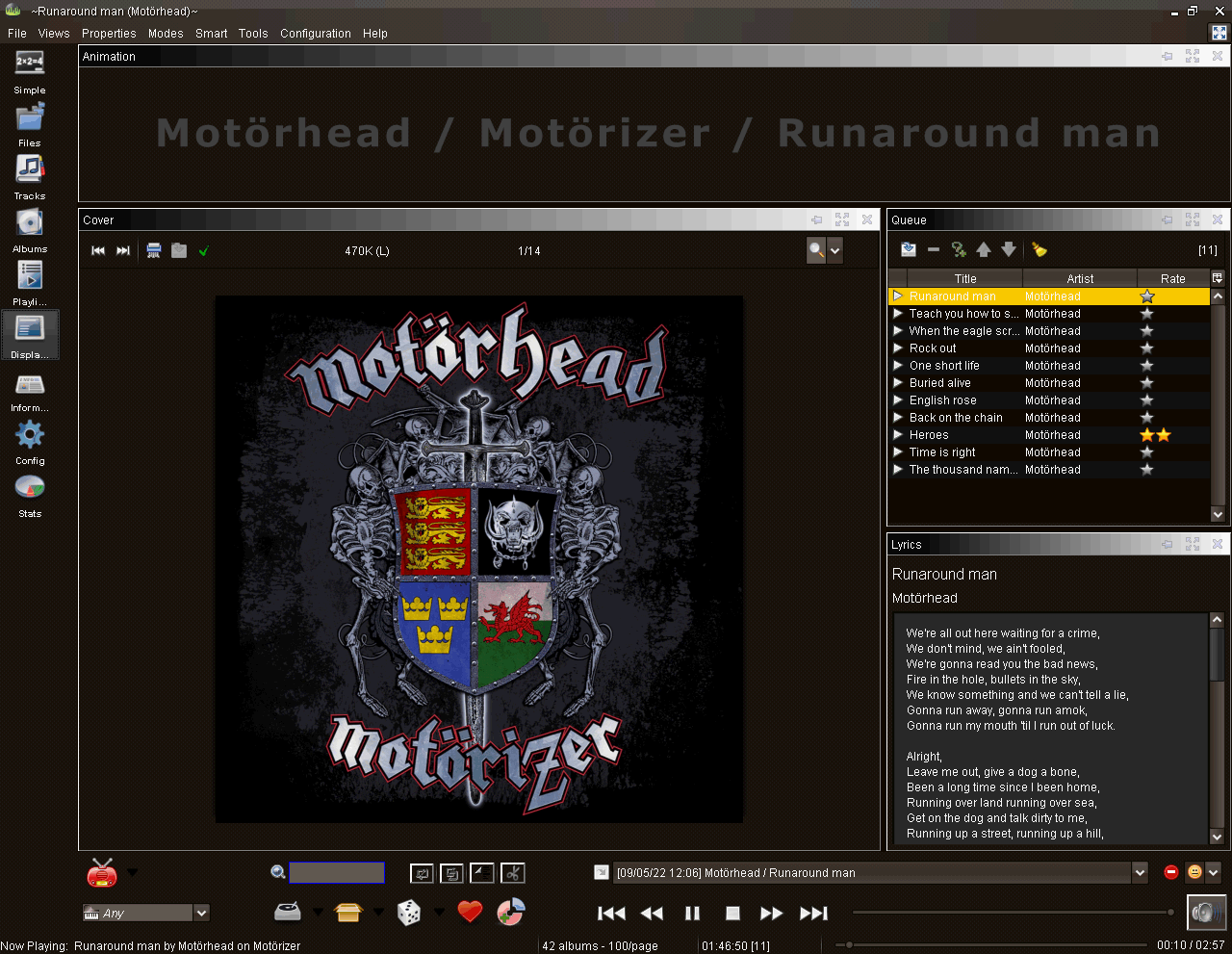
The left sidebar contains the following modes:
- Simple Mode: Contains a listing of all music tracks as well as suggestions on the top which are computed after time.Suggestions include preferred, newest, rarely listen, other albums and similar artists.
- Files: A file browser that displays a directory tree with all music directories that have been added to the software. Filters, covers and a queue to create playlists are provided here as well.
- Tracks: Tracks sorted by genre using their mp3 tags. Filters, covers and the queue are offered in this menu as well.
- Albums: Displays either an album catalog that displays the album art or a albums table. The thumbnail size of the cover can be changed on the fly.
- Playlists: Contains an overview of all playlists on the system. Playlists are divided into new, best of, novelties and bookmarks. Again with options to save playlists.
- Display: Display the cover, lyrics and an animation while playing music. Covers and lyrics are automatically loaded from the Internet.
- Information: Displays information about the current band on Wikipedia.
- Config: Dozens of settings.
- Stats: Displays tracks per monht, size by directory, collection size by month and the genres
The software is packed with additional features that are interesting. It contains a so called DJ mode which makes it easy to create playlists based on factors like proportions (e.g. 20% heavy metal, 30% rock), transitions (Heavy –> Pop) or ambience (Party, Soft).
Additional features of interest:
- Mp3 tag editor (Ogg,ID3 V1/V2, WMA, Flac), Online (CDDB) retagging
- Finding duplicate files
- Configuration of web radios
- Last.fm information queries, scrobble
- CD Scanner
- Keyboard controls
- Alarm clock
Download Jajuk (packages available: .exe, .deb, .rpm, zip (MAC), multi-platform .jar installer and source code).