Author: Andrew
| Date: May 14, 2009
|
| Tags:
giver,
internet,
linux,
network,
ubuntu
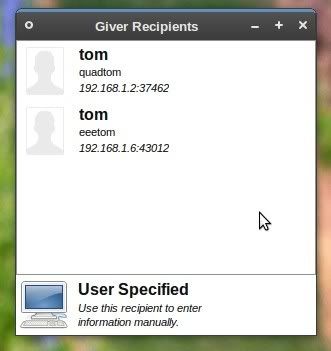
Giver is a simple file sharing desktop application for Linux. Other people running Giver on your network are automatically discovered and you can send files to them by simply dragging the files to their photo or icon shown in Giver. There is no knowledge or set up needed beyond what the person looks like or their name to use Giver.
You can download the source file
from here.
For Ubuntu you don't have to download anything manually, all you have to do is type this in a terminal:
sudo apt-get install giver
You will then find it in Applications > Internet > Giver. When Giver is opened on another computer from your network, he will automatically show up in your Giver list, and the same for him. You can then share files between your computers.